
Special projects
Here we present projects around Loxone and ioBroker that we have carried out ourselves. For most tutorials there is a video on our YouTube channel (in German), sometimes also a Loxone Config template or a script to download.
The projects date from 2019 and 2020. The basic principles still apply – but individual menus in ioBroker and Loxone Config may look different today.
Frequently asked questions
Which projects can you find here?
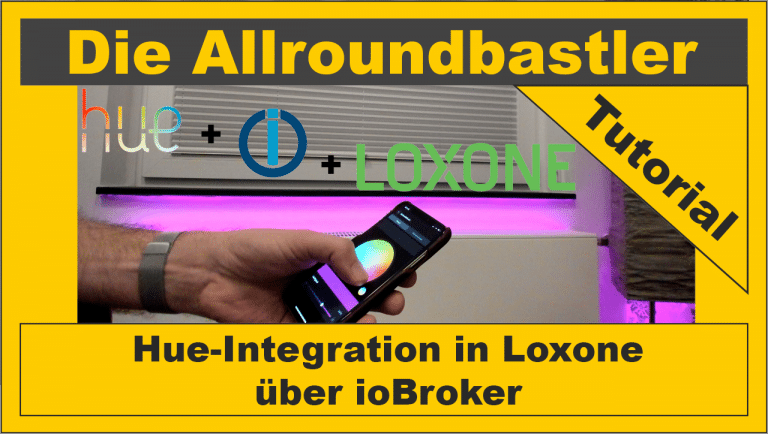
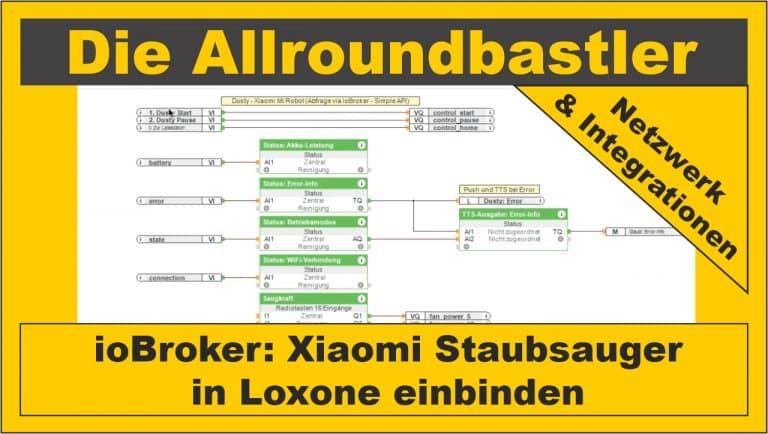
Four tutorials around Loxone and ioBroker: installing ioBroker on the Raspberry Pi, integrating Philips Hue and a Xiaomi robot vacuum into Loxone, and the solution when the Miniserver Gen. 2 does not connect to ioBroker.
Do I need ioBroker for the projects?
For the Hue and Xiaomi integration and the Gen. 2 problem, yes. Our instructions for installing it on the Raspberry Pi show you how to set up ioBroker.
Are the instructions still up to date?
The projects date from 2019 and 2020. The basic principles still apply, but individual menus in ioBroker and Loxone Config may look different today.
Where can I ask questions about a project?
Under the YouTube video for the project or directly on the respective project page.
Which project is best to start with?
With the installation of ioBroker on the Raspberry Pi. It is the basis for the other three projects.
Are there templates or scripts to download?
Yes, for two projects. For the Hue integration there is a script as a ZIP file, and for the Xiaomi robot vacuum a Loxone Config template. You can find the download on the respective project page.
Where can I find more videos?
You can find more of our videos on our page Videos and on our YouTube channel.

