Adapter Loxone Wall Display 10″ for Switch Box and for Wi-Fi Adapter
18,21 €
incl. VAT plus shipping
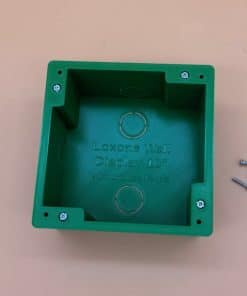
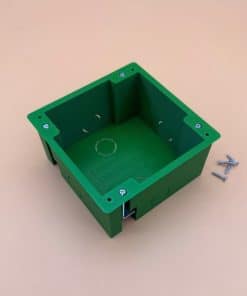
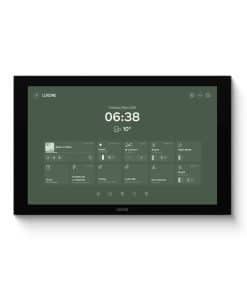
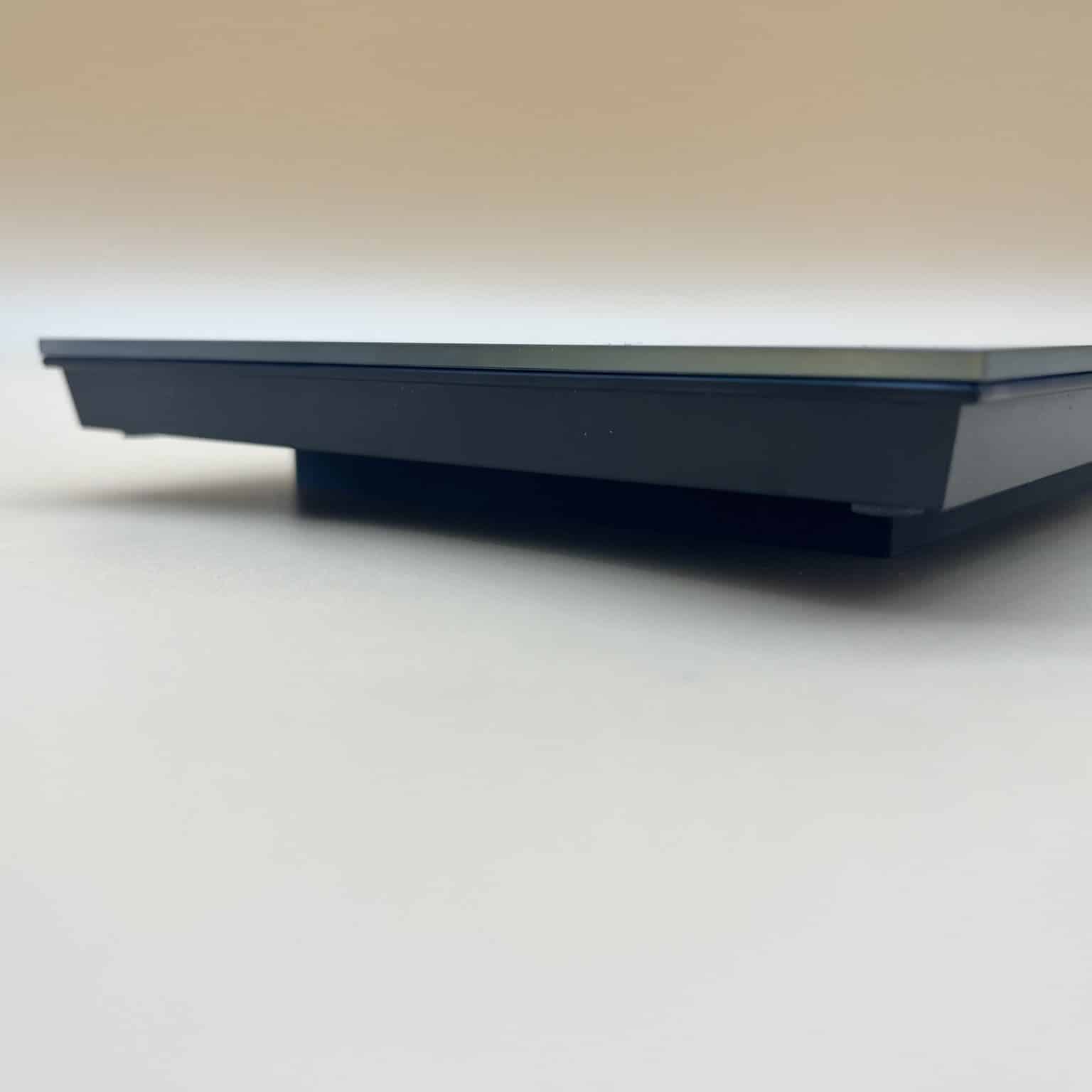
If you do not have a large flush-mounted housing for the Loxone Wall Display 10″, this adapter is the right one for you:
- Matching adapter for the Loxone Wall Display 10″
- Adapter for a switch box (screw spacing 60 mm)
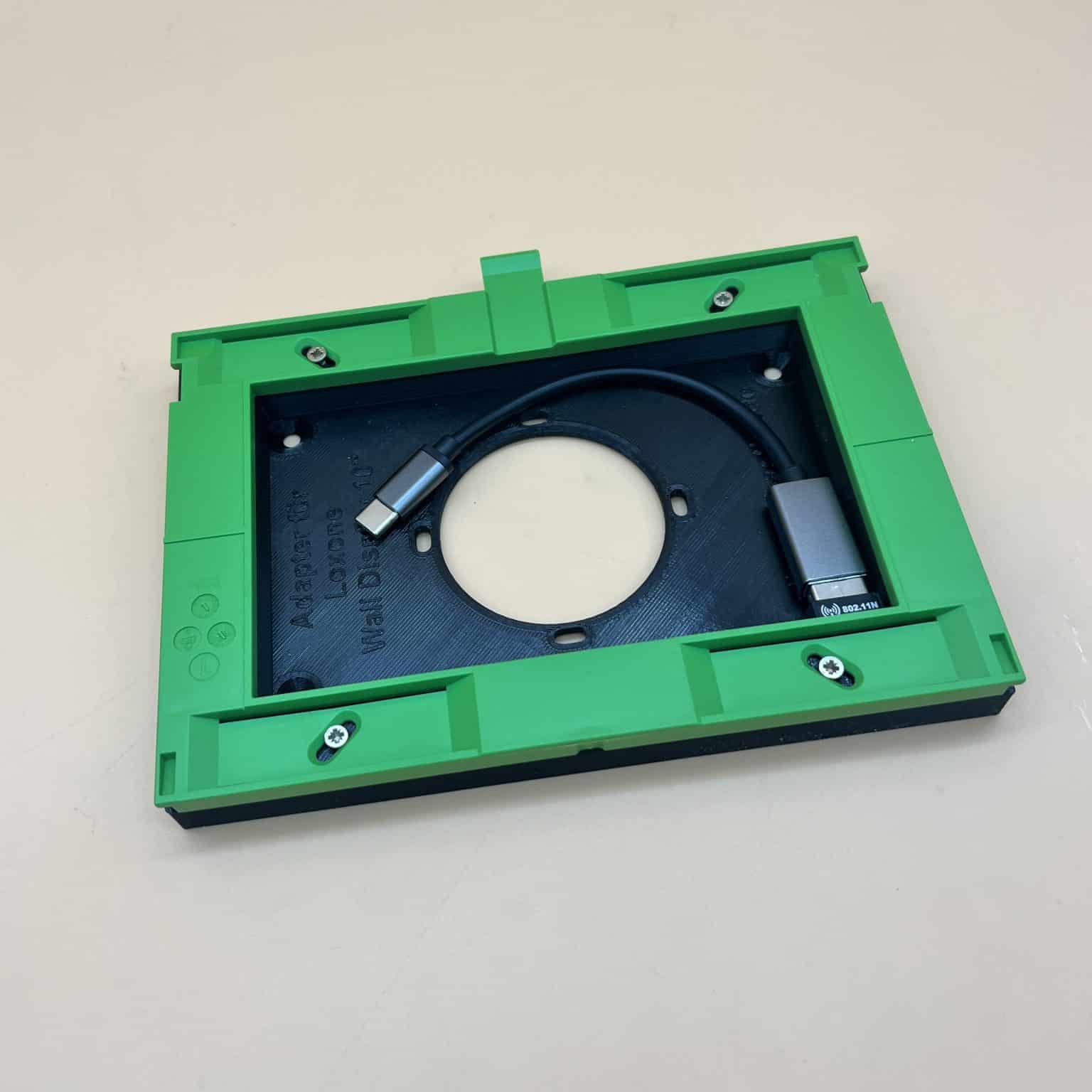
- Adapter with space for the Wi-Fi adapter

Delivery time: approx. 1–3 working days / abroad approx. 3–8 working days
- Adapter for a switch box (screw spacing 60mm)
- Adapter with space for the Wi-Fi adapter
- Colour: black
- With fixing holes for direct mounting on switch boxes
- With fixing holes for direct wall mounting
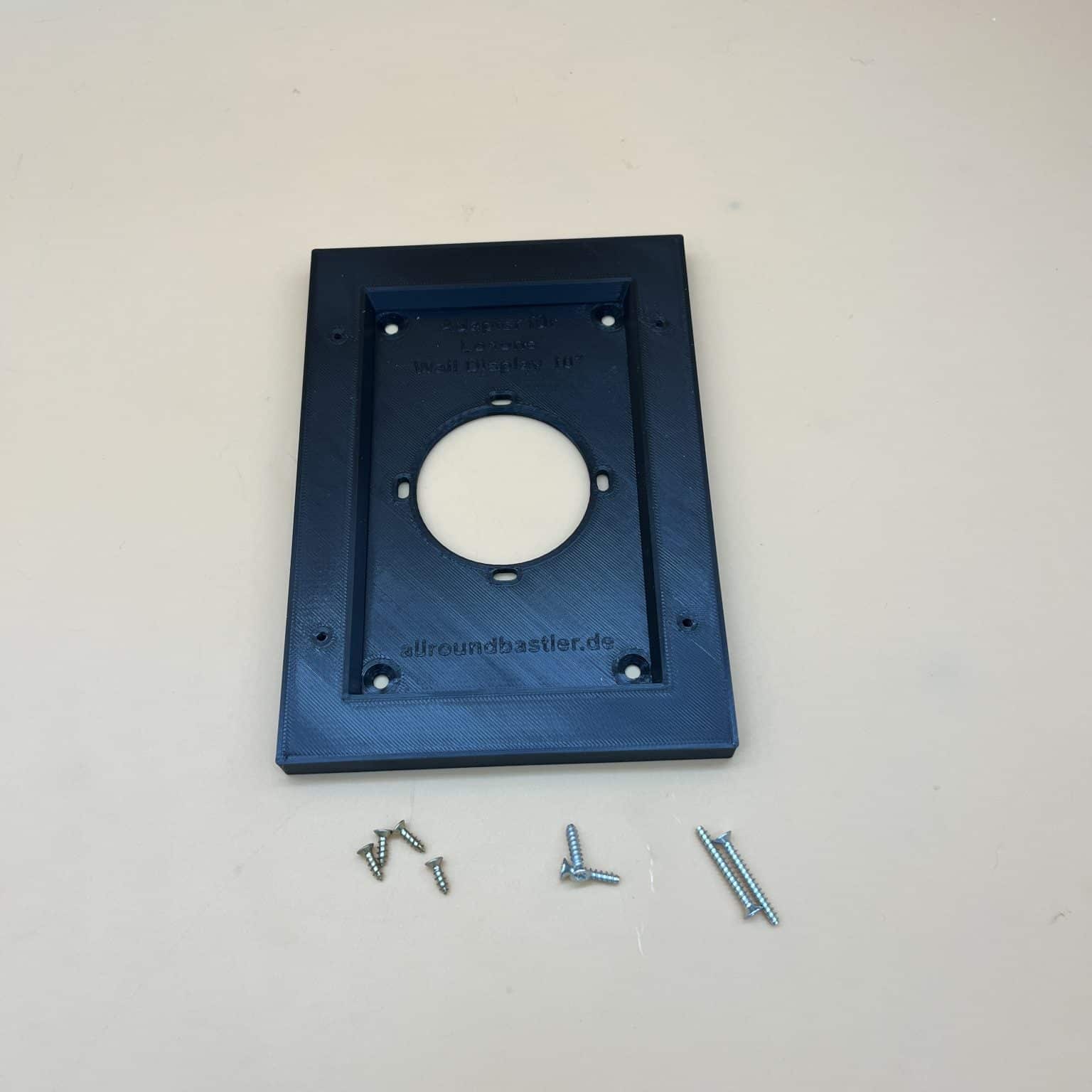
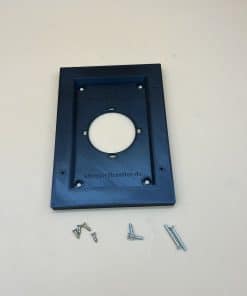
- With 2 screws 4×35 and 2 plugs 6 mm
- With 2 screws for switch box 15mm
- With 2 screws for switch box 25mm
- With 4 screws 3x10mm
- Material: PETG
- Supplied without Wall Display 10″ and without Wi-Fi adapter
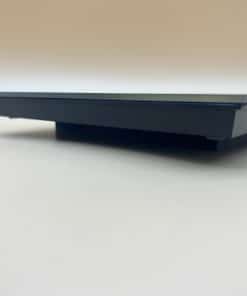
- Mounting height of the adapter: 11mm
Mounting video: mounting the adapter for the Wall Display 10″ on the switch box
In just over a minute you can see how to connect the flush-mounted power supply, mount the adapter on the switch box and click in your Wall Display 10″. The video has no sound – here are all the steps again to read:
- Isolate: Switch off the circuit and check that it is dead. Work on the mains voltage may only be carried out by a qualified electrician.
- Protective earth: Push a Wago connector onto the green-yellow wire and push it back into the box.
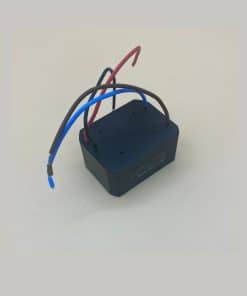
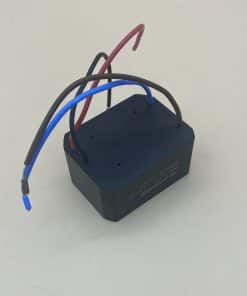
- Connect the power supply: Wago 221-412 on brown and blue, connect the power supply (blue to blue, brown from the box to dark brown) and push it into the box. You can get the matching flush-mounted power supply for the Loxone Wall Display 10″ from us as an accessory.
- Extend 24 V: Wago connectors on red and black, connect 20 cm of red/white wire (0.8 mm): red to red, white to black. At the other end, the orange/white connector: red to orange, white to white.
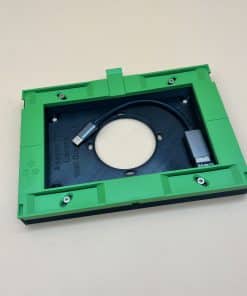
- Mounting frame: Place the green Loxone Mounting Frame on the outside of the adapter and screw it tight with 4 countersunk screws 3 × 10 mm.
- Mount the adapter: Stow the connectors in the box, feed the orange/white connector forwards through the opening and screw the adapter onto the switch box with two screws.
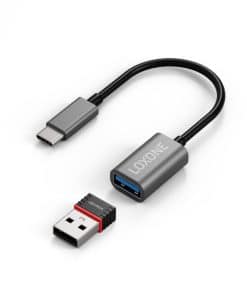
- Connect the display: Push the USB-C plug of the Wi-Fi adapter into the USB slot and plug in the orange/white connector. The Loxone Wi-Fi Connector Set for Loxone Wall Display 10″ is available from us as an accessory.
- Click in: Stow the Wi-Fi adapter in the adapter and click the Wall Display over the green frame.
Done: The Wall Display sits neatly on the switch box. Tip: you can also screw the adapter directly to the wall using the 4 additional holes.
FAQ on the adapter for switch box and Wi-Fi adapter
Want to connect the Wall Display 10″ via Wi-Fi and only have a standard switch box at that location? Here are the key answers.
Is the adapter right for me?
When do I need this adapter?
If you connect the Wall Display 10″ via Wi-Fi and there is only a standard 60 mm switch box at the mounting location. The adapter goes between the box and the display as a spacer frame and creates space for the Wi-Fi adapter set. If you use our flush-mounted housing, you do not need it – the Wi-Fi adapter already has space there.
I use LAN instead of Wi-Fi – which adapter fits?
Then take the adapter for switch box and LAN adapter with 18 mm mounting height, because the LAN adapter needs a little more space.
Do I need the adapter with Tree Turbo?
No. With Tree Turbo there is no network adapter that needs space.
Installation
How is the adapter mounted?
On a switch box with 60 mm screw spacing or directly on the wall. Screws for the box (2 × 15 mm, 2 × 25 mm), 2 screws 4 × 35 mm with 6 mm plugs for the wall and 4 screws 3 × 10 mm are included.
How far does the display then stand off the wall?
The adapter has a mounting height of only 11 mm, which is how much further the display sits in front of the wall.
Where does the flush-mounted power supply go?
In the switch box behind the adapter. You need the flush-mounted power supply if only 230 V is available at the mounting location; if a 24 V cable runs to the display, you can do without it.
Scope of delivery
What is included?
The adapter made of black PETG with the screws and plugs. Wall Display and Wi-Fi adapter are not included – you can also get the Wi-Fi adapter set from us.
Your question isn’t listed?Write to us – we are happy to help. We answer enquiries in English by e-mail.
Product safety
Manufacturer information
Die Allroundbastler
Gewerbepark West 4
D-56472 Hof
Germany
eMail: kontakt@allroundbastler.de
Person responsible for the EU
Markus Weyel