







Loxone Wall Display 10″
981,75 €
incl. VAT plus shipping
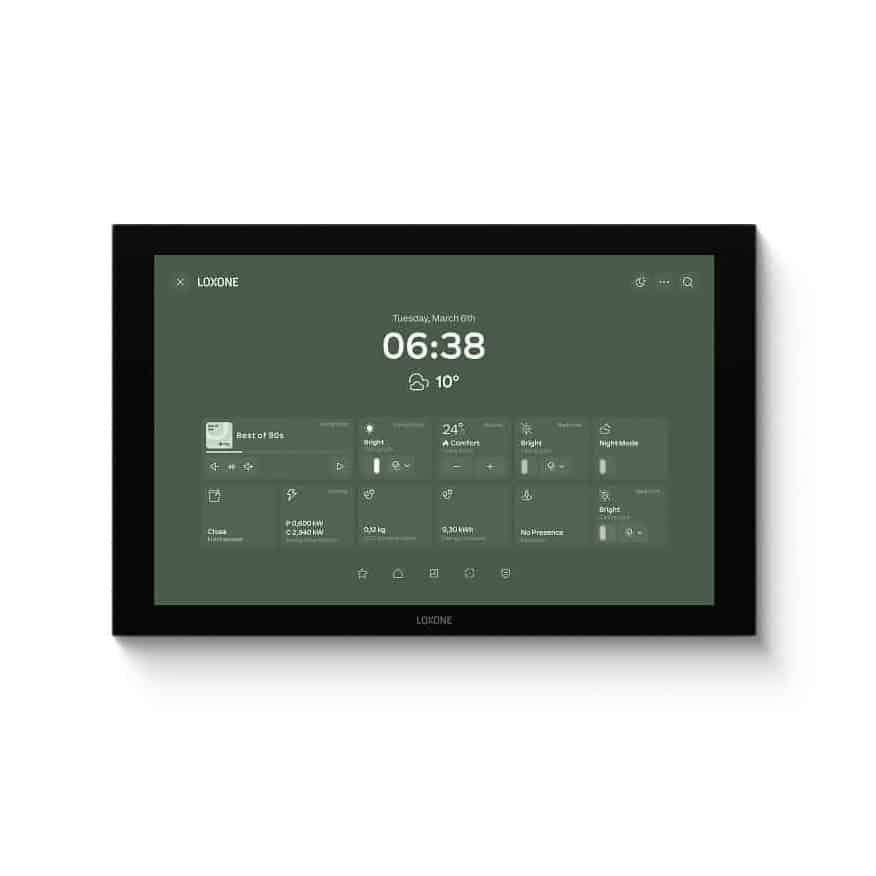
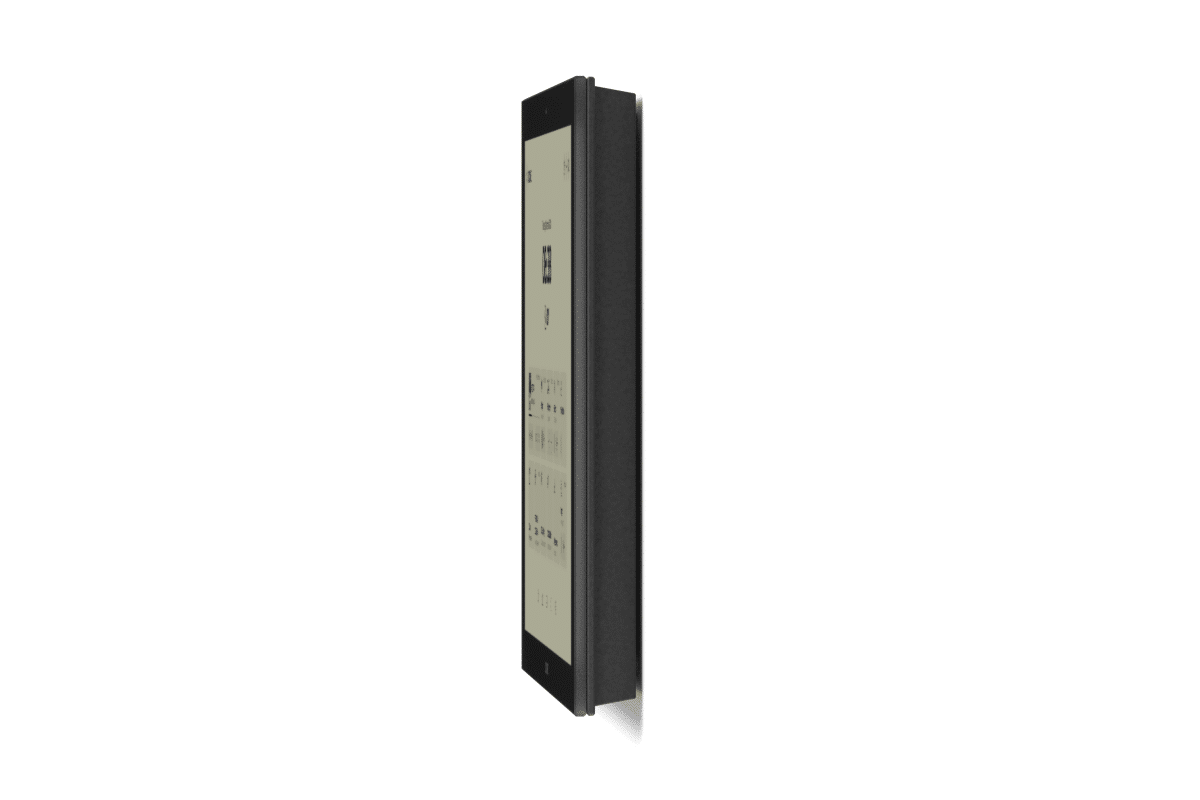
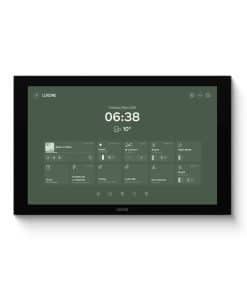
The Loxone Wall Display 10″ brings the familiar Loxone user interface directly to your wall, large and clear – no more makeshift tablet solutions. You control lighting, shading, room climate, audio and more with one touch, reliably and with low maintenance in continuous operation.
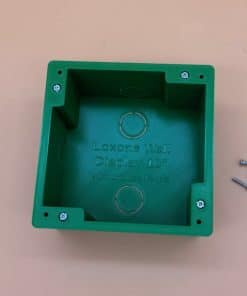
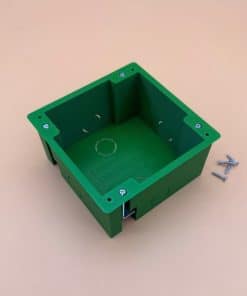
For installation, there is our flush-mounted housing and for plasterboard and panel walls the cavity wall housing.
Delivery time: approx. 1–3 working days / abroad approx. 3–8 working days
Functions
- Permanently installed wall display with the familiar Loxone user interface
- Direct access to lighting, shading, climate, audio and more
- Reliable, low-maintenance operation
- Flexible connection via Loxone Tree Turbo or LAN via USB-C LAN adapter or Wi-Fi via Wi-Fi adapter set
Electrical specifications
| Supply voltage | 18 … 27 V DC |
|---|---|
| Power consumption | Standby: 2.85 W Typical: 4.8 W at 80 % brightness Maximum: 13 W |
| Power supply requirements | ES1/PS2 according to IEC/EN/UL 62368-1 or SELV/LPS according to IEC/EN/UL 60950-1 |
Interfaces
| LOXONE Tree Turbo | Connection to Audioserver or Miniserver Compact |
|---|---|
| USB | To establish a connection to the LOXONE USB-C adapter for LAN or Wi-Fi. |
Controls
| Touch area | capacitive touch detection |
|---|---|
| Backlight | Yes, dimmable |
| Ambient light sensor | Yes |
Ambient conditions
| Temperature | -10 … 45 °C / 14 … 113 °F |
|---|---|
| Humidity | max. 95 % RH (non-condensing) |
| Degree of protection | IP20 |
Terminals
| Terminal type | 24 V DC & LOXONE Tree Turbo: DG220B |
|---|---|
| Conductor cross-section | 0.28 … 0.8 mm² / AWG 23 … 18 |
| Stripping length | 5 … 6 mm / 0.2 … 0.24″ |
| Temperature resistance | -40 … 105 °C / -40 … 221 °F |
Wiring diagram
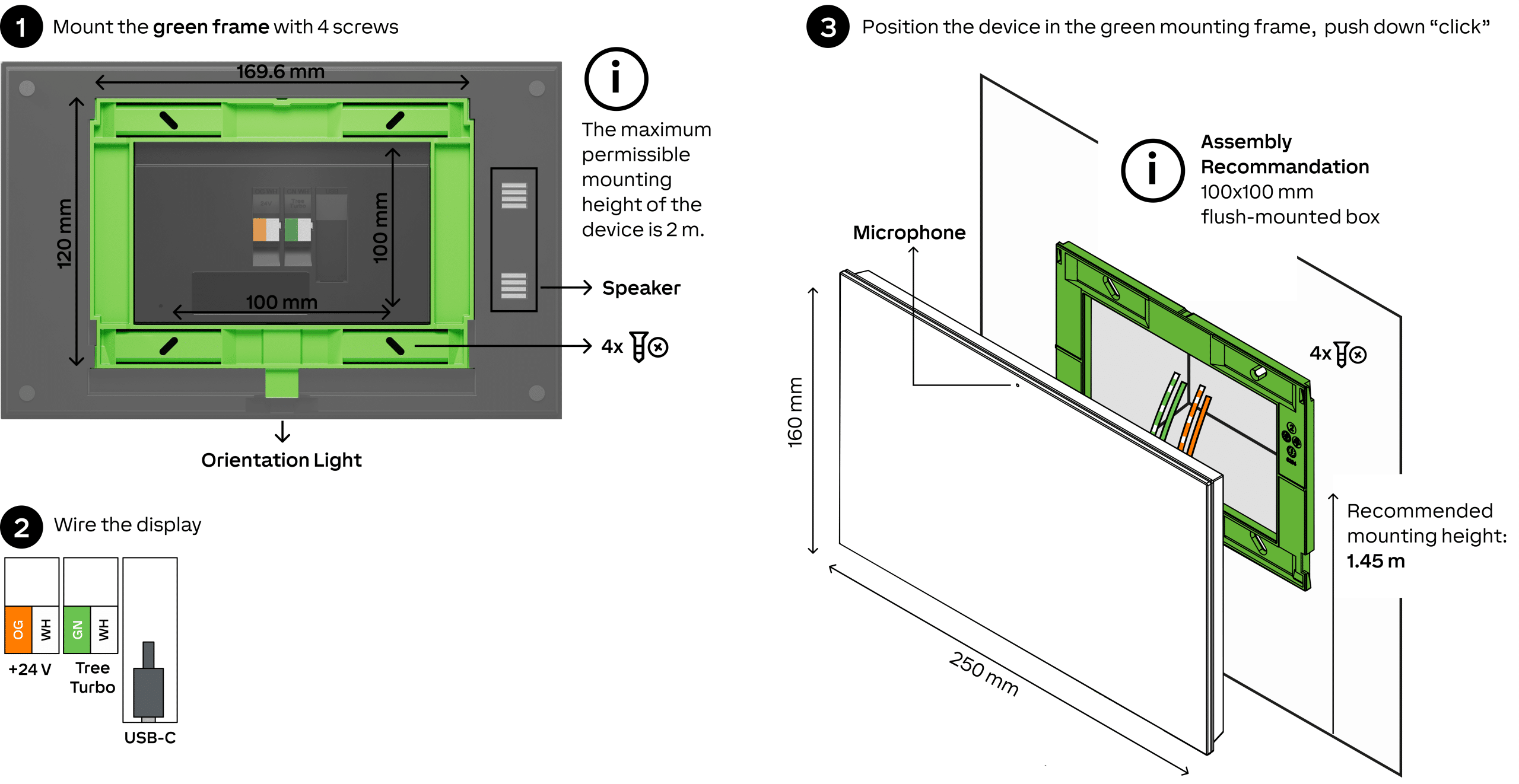
Product properties
| Colour | Anthracite: RAL 9005 |
|---|---|
| Gloss level | Matt |
Weight & dimensions
| Net weight | 760 g |
|---|---|
| Gross weight | 894 g |
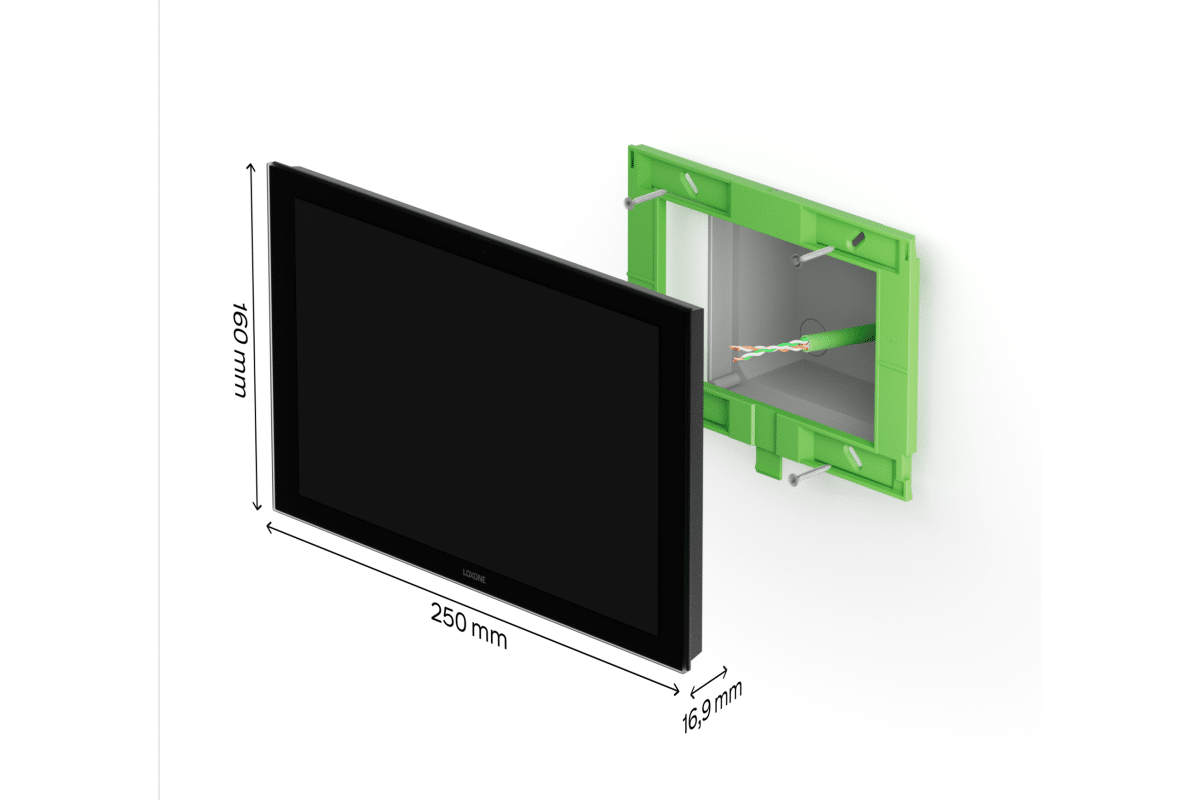
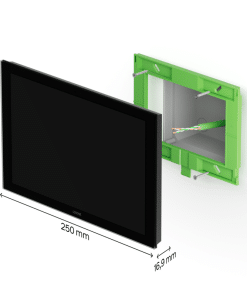
| Product dimensions | 250 x 160 x 16.9 mm / 9.84 x 6.30 x 0.67″ (L x W x H) |
| Package dimensions | 320 x 220 x 35 mm / 12.60 x 8.66 x 1.38″ (L x W x H) |
Product dimension drawing
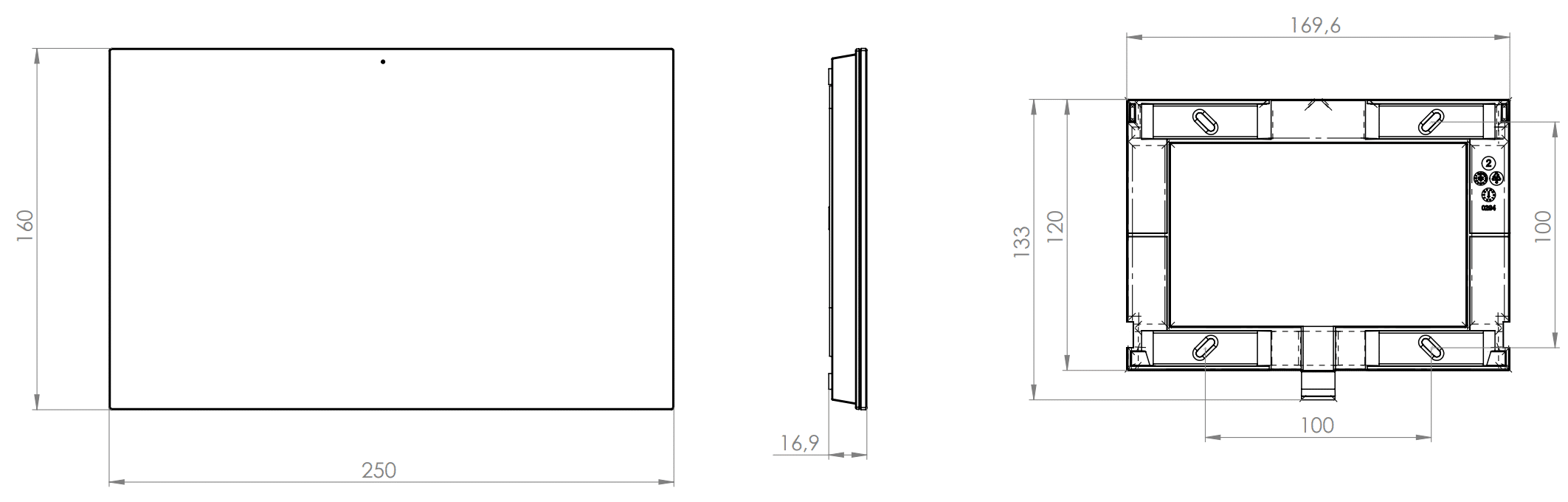
What the display offers
You get direct access to lighting, shading, climate, audio and more. You have all important functions, from lighting and shading to room climate, audio and system control, at a glance and control them with just one touch.
The difference to a tablet lies less in the look than in the operation: the display is designed for reliable, low-maintenance operation. No battery that weakens after two years, no app that needs updating, no holder that comes loose. It is part of the installation, not a device hanging on it.
Three ways of connection
This is the point you should clarify before ordering, as it determines which accessories you need. The connection is flexible via Loxone Tree Turbo, via LAN using the USB-C LAN adapter or via Wi-Fi using the Wi-Fi adapter set.
Tree Turbo is the direct route in the Loxone system. Tree Turbo is available on the Audioserver and the Miniserver Compact. If a Tree Turbo cable leads to the position or can be laid, this is the cleanest solution because the data runs via the system cabling.
LAN via USB-C is the choice if there is a network cable at the location. A wired network is the most stable option if Tree Turbo is not available. For this you need the USB-C LAN adapter.
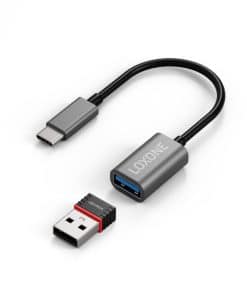
Wi-Fi is the route for retrofitting if no data cable leads to the position and no chasing of walls is wanted. This requires the Wi-Fi adapter set.
The rule of thumb: if there is Tree Turbo, take Tree Turbo. If there is a network cable, take LAN. If there is nothing and no walls are to be chased, take Wi-Fi.
Installation in the wall
Depending on the connection, you need more than the display itself for mounting, and this is easily overlooked when ordering.
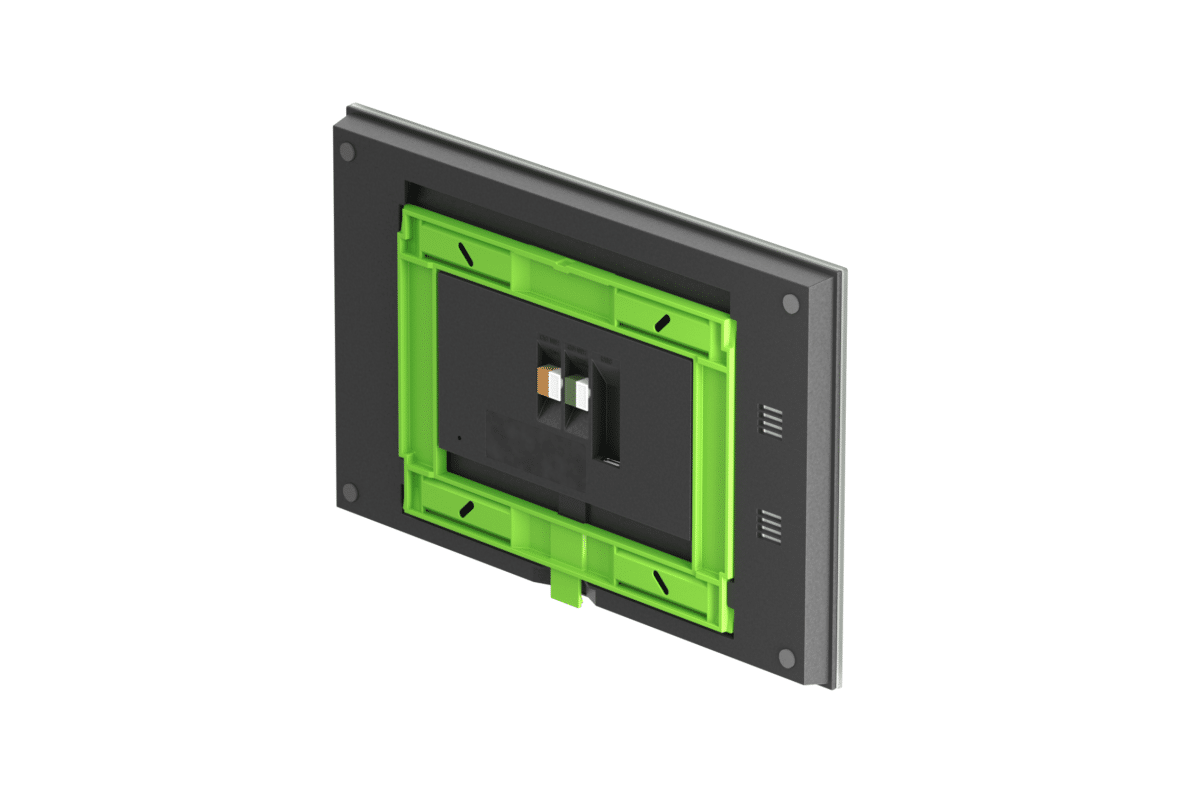
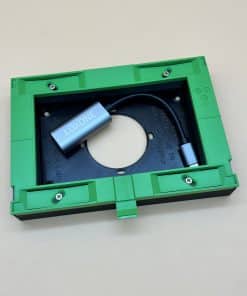
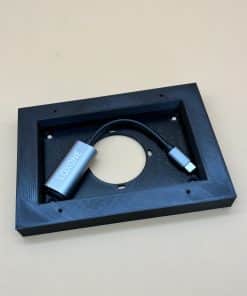
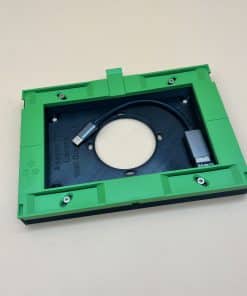
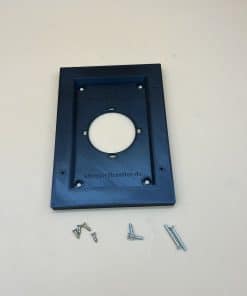
With LAN or Wi-Fi, the network adapter sits behind the display and needs space. There are two ways to do this: our flush-mounted housing (110 × 110 × 60 mm) also accommodates the LAN or Wi-Fi adapter, so an additional adapter is then not necessary. If there is only a normal 60 mm switch box at the location, you place our adapter in front of it as a spacer frame: for the LAN adapter with 18 mm mounting height or for the Wi-Fi adapter with 11 mm. With Tree Turbo, you need neither housing nor adapter.
With Tree Turbo, the 24 V supply comes via the cable: two cores transmit Tree Turbo, two more the 24 V. The Loxone Tree Cable or a CAT7 cable is ideal for this. With LAN or Wi-Fi, the flush-mounted power supply takes over the supply. It supplies 24 V with 15 W and sits in the flush-mounted housing or, without a flush-mounted housing, in the 60 mm switch box. If a 24 V cable already leads to the installation location, you do not need a power supply.
Clarify before ordering
Three questions save you a reorder. First: which data cable is at the position – Tree Turbo, network or none? This determines the network adapter. Second: are you using our flush-mounted housing, or is there only a normal 60 mm switch box? This determines whether you need our adapter. Third: does the 24 V come via the cable – with Tree Turbo or via a separate 24 V cable – or do you need the flush-mounted power supply?
If you are unsure about any of these points, talk to us beforehand. As a Loxone dealer, we can clarify this faster than a return takes. Simply contact us.
FAQ on the Loxone Wall Display 10″
Planning the Wall Display 10″ as a central control point? Here are the answers to the most common questions.
General
What is the Wall Display 10″?
A permanently installed wall display (250 × 160 × 16.9 mm) with the familiar interface of the Loxone App. You have lighting, shading, room climate, audio and system functions at a glance.
What is the advantage over a tablet?
The Wall Display is part of the installation: no battery that weakens, no app you have to update, no holder that comes loose. It is designed for reliable, low-maintenance continuous operation.
Do I need a Miniserver?
Yes. The Wall Display 10″ is part of the Loxone system and is operated together with a Miniserver.
Connection
How is the Wall Display connected?
Via Loxone Tree Turbo on an Audioserver or Miniserver Compact. Alternatively via LAN with the USB-C LAN adapter or via Wi-Fi with the Wi-Fi adapter set.
I have neither an Audioserver nor a Miniserver Compact – does it still work?
Yes. In that case, you connect the display via LAN or Wi-Fi. You then find it in Loxone Config via the network device search.
Which connection is the right one?
The rule of thumb: if there is a Tree Turbo cable, take Tree Turbo. If there is a network cable, take LAN – this is the most stable option without Tree Turbo. If there is nothing and no walls are to be chased, take Wi-Fi.
Installation & power supply
Which power supply does the display need?
24 V DC (18–27 V). In standby it consumes 2.85 W, typically 4.8 W at 80 % brightness, max. 13 W. With Tree Turbo, the 24 V come via the cable: two cores transmit Tree Turbo, two more the 24 V – the Loxone Tree Cable or a CAT7 cable is ideal. With LAN or Wi-Fi, there is our flush-mounted power supply for installation in the wall.
How is the Wall Display mounted?
You screw the supplied plastic mounting frame onto a flat surface or a box. The recommended mounting height is 1.45 m. With LAN or Wi-Fi, the network adapter needs space behind the display: Loxone recommends a 100 × 100 mm flush-mounted box for this – to go with it, there is our flush-mounted housing (110 × 110 × 60 mm). Without a flush-mounted housing, you place our adapter on a normal 60 mm switch box as a spacer frame. With Tree Turbo, you need neither.
What do I need for each connection type?
Tree Turbo: only the display – data and 24 V come via the Tree Turbo cable; the Loxone Tree Cable or a CAT7 cable is ideal. LAN: the USB-C LAN adapter and either our flush-mounted housing or, on a 60 mm switch box, our adapter for switch box and LAN adapter. Wi-Fi: the Wi-Fi adapter set and either the flush-mounted housing or, on a 60 mm switch box, our adapter for switch box and Wi-Fi adapter. With LAN and Wi-Fi, add the flush-mounted power supply, unless a 24 V cable leads to the display.
Where is the best place for the display?
At a central location you pass often – for example in the entrance area, kitchen, living area or office.
May I mount the display outdoors?
No. With protection class IP20, it is only intended for dry indoor rooms.
Software & functions
Can I use several Wall Displays?
Yes. You can integrate several displays into one project and thus operate different areas of the building.
Can the display operate several Miniservers?
Yes. In multi-Miniserver mode, you switch between several Miniservers on the display.
What can I set on the display?
You define the start screen, screen saver and the run-on time after the last touch (default 60 seconds) in Loxone Config. The backlight is dimmable, and a brightness sensor and an orientation light are integrated.
Your question isn’t listed?Write to us – we are happy to help. We answer enquiries in English by e-mail.
Product safety
Manufacturer information
Loxone Electronics GmbH
Smart Home 1
A-4154 Kollerschlag
Austria
eMail: office@loxone.com
Person responsible for the EU
Loxone Electronics GmbH
Product safety documents

You may also like…
Accessories for Wall Display 10"
Adapter Loxone Wall Display 10″ for Switch Box and for LAN Adapter
incl. VAT
plus shipping

Accessories for Wall Display 10"
Adapter Loxone Wall Display 10″ for Switch Box and for Wi-Fi Adapter
incl. VAT
plus shipping