Loxone Exosphere Miniserver Pro 10 Years
€345.10
incl. VAT
Exosphere Pro for 10 years gives you central management, monitoring and cloud backups for one Miniserver for a decade. Compared with ten annual licences, you pay around 42 % less and don’t have to worry about renewals.
Delivery: licence key by e-mail, usually within 1–2 working days after receipt of payment. No shipping costs.
Exosphere Pro 10 years: for permanent installations
The long-term licence is intended for Miniservers that are looked after permanently, for example in your own home or in customer projects with a maintenance contract. Dashboards, data recording with 3 years of retention and automatic updates run without interruption.
To try it out, there is Exosphere Pro for 1 year. For large infrastructures with 5 years of data retention, Exosphere Enterprise for 10 years is the right choice.
Features
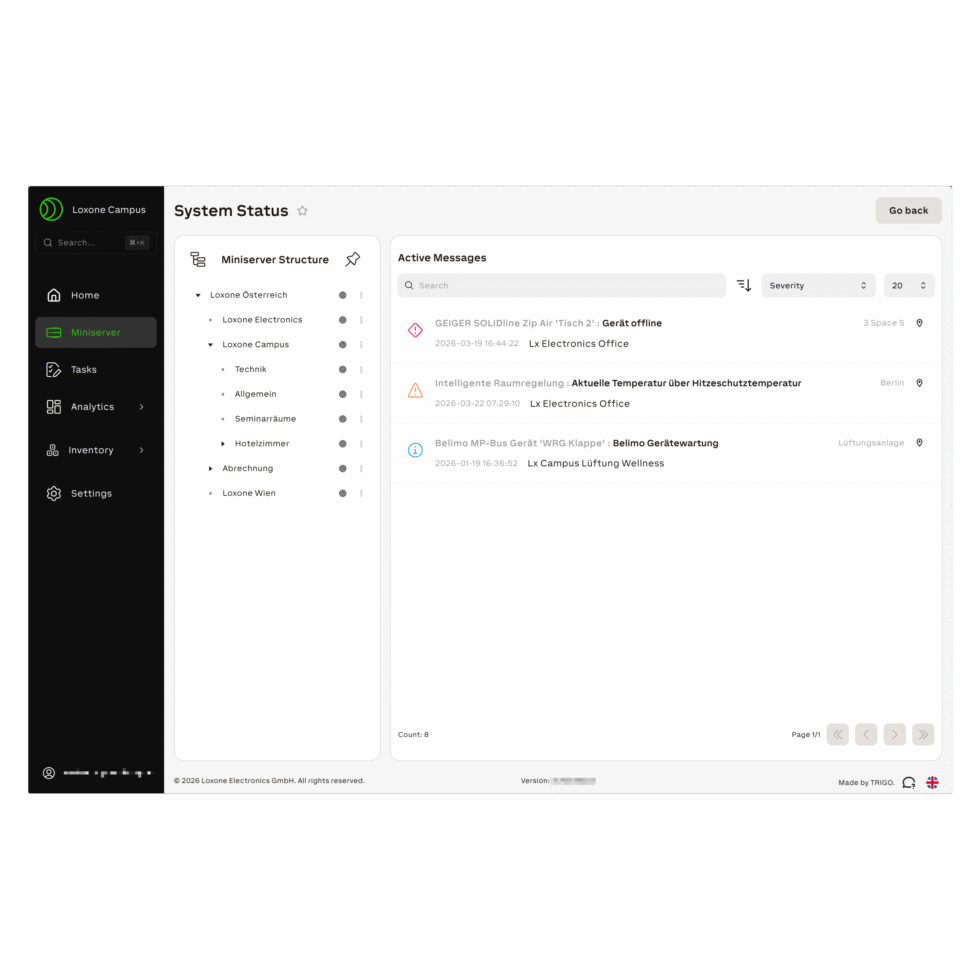
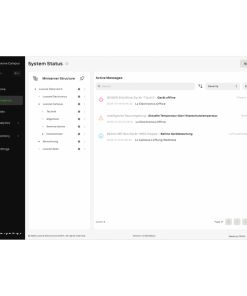
- Central management and monitoring of your Miniservers in the browser at exo.loxone.com
- Dashboards, charts, value history, circuit diagrams and list views
- Data logging with 3 years of data retention and CSV export
- Automatic cloud backups and updates
- Unlimited users with roles, tasks and comments
- Notifications by e-mail, by SMS with the Add-on Alert
Scope of delivery
- 1x licence key Exosphere Pro for 1 Miniserver, term 10 years (by e-mail)
Licence details
| Licence | Exosphere Pro |
|---|---|
| Term | 10 years |
| Valid for | 1 Miniserver |
| Backup storage per Miniserver | 100 MB |
| Data per Miniserver | max. 1 GB |
| Data retention / import of historical data | up to 3 years |
| Document storage | unlimited (fair use) |
| Activation | exo.loxone.com → “Settings” → “Subscription” → “Add License” |
| Delivery | Licence key by e-mail |
How to activate the licence
- After receipt of payment, you will receive the licence key from us by e-mail.
- Log in at exo.loxone.com with your Loxone account.
- Open “Settings” → “Subscription” and click “Add License”.
- Enter the licence code and confirm with “Activate”. You need the Owner or Administrator role in the workspace to do this.
FAQ on Exosphere Pro
Here are the answers to the most important questions about the licence.
Licence
How do I activate the licence?
Log in at exo.loxone.com with your Loxone account, open “Settings” → “Subscription” and click “Add License”. Enter the licence code and confirm with “Activate”. You need the Owner or Administrator role in the workspace to do this.
When will I receive the licence key?
After receipt of payment, we send you the licence key by e-mail, usually within 1–2 working days. There are no shipping costs.
Is the licence valid for several Miniservers?
No, each licence is valid for one Miniserver. For several Miniservers, order the corresponding number. In Exosphere you can enter several licence codes at once, separated by commas.
What happens when the licence expires?
After expiry there is a grace period of 30 days. After that, the Miniserver no longer sends data to Exosphere until you renew the licence.
Your question isn’t listed?Write to us – we are happy to help. We answer enquiries in English by e-mail.